You can set SAFE as your automatic payout by downloading the app and using your personal barcode every time you OR you can scan the SAFE barcode every time you use the recycling machine
1) Download the app 
When you download the app you will be allocated a personal barcode.
To set SAFE as your payout every time you recycle:
Scroll down to the Charities drop down, find SAFE, set as payout and confirm. Do this before you go to a recycling machine. Once set you will not need to change your payout each time.
At the machine open the app, scan your personal barcode under the reader at bottom right. When you’ve finished recycling choose Transfer on the screen & the $ total transferred will be displayed (Tip – If you don’t press ‘transfer’ quickly it might default to a digital voucher as the payout)
2) Use the SAFE barcode each time you recycle (no need to download the app (from Dec 2025)
At the machine scan the SAFE barcode 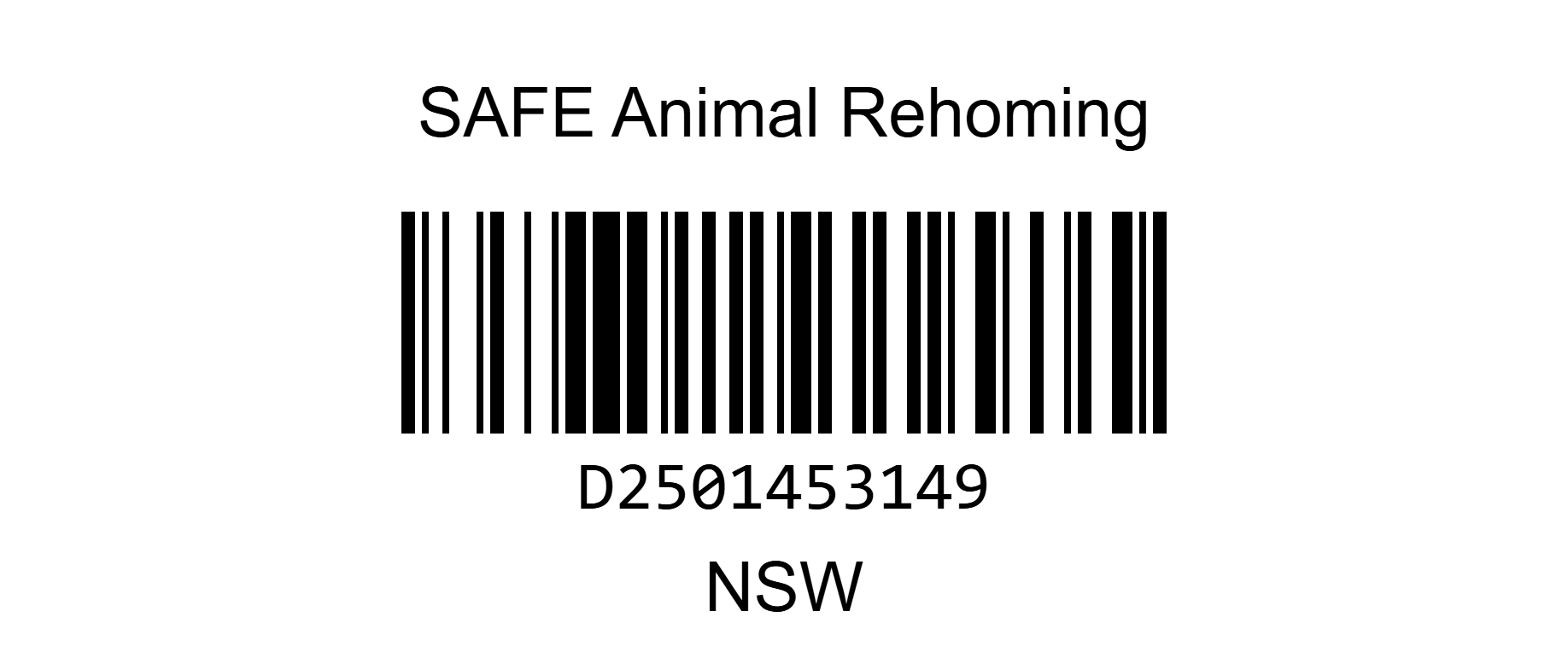
When you’ve finished recycling choose Transfer on the screen & the $total will be displayed ! (Tip -If you don’t press ‘transfer’ quickly it might default to a digital voucher as the payout)